Making a request
Once you have your API key and secret, you can start using the BlinkID Verify API. Verify is available in many regions around the world, but let's use the US East instance for this quick start.
https://us-east.verify.microblink.com/api/v2/docver
The API can accept base64 images, multipart form data, or URLs to images. Here's how to structure a basic multipart request:
curl --request POST \
  --url https://us-east.verify.microblink.com/api/v2/docver \
  --header 'authorization: Basic xxxxxxxxxxxxxxxxxxxxxxxxxx' \
  --header 'content-type: multipart/form-data' \
  --form imageFront=@/Users/verifier/Downloads/front_id.jpg \
  --form imageBack=@/Users/verifier/Downloads/back_id.png
Authorization
To authorize your requests, you need to use Basic Authentication with your license key and your secret. The format is Basic ${base64(licenseKey:secret)}. You can generate this using any base64 encoding tool or library.
Feel free to use these images for testing:
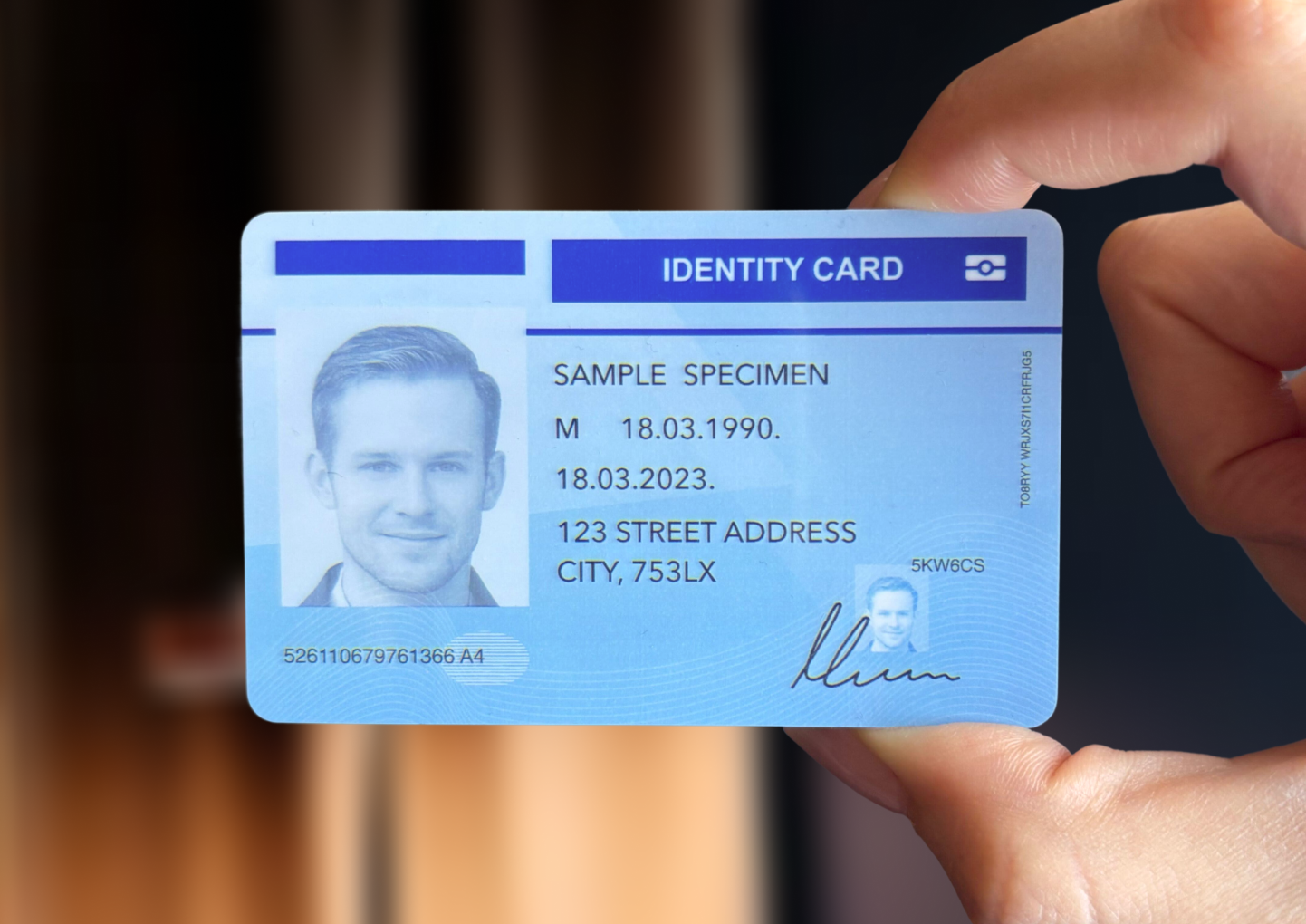
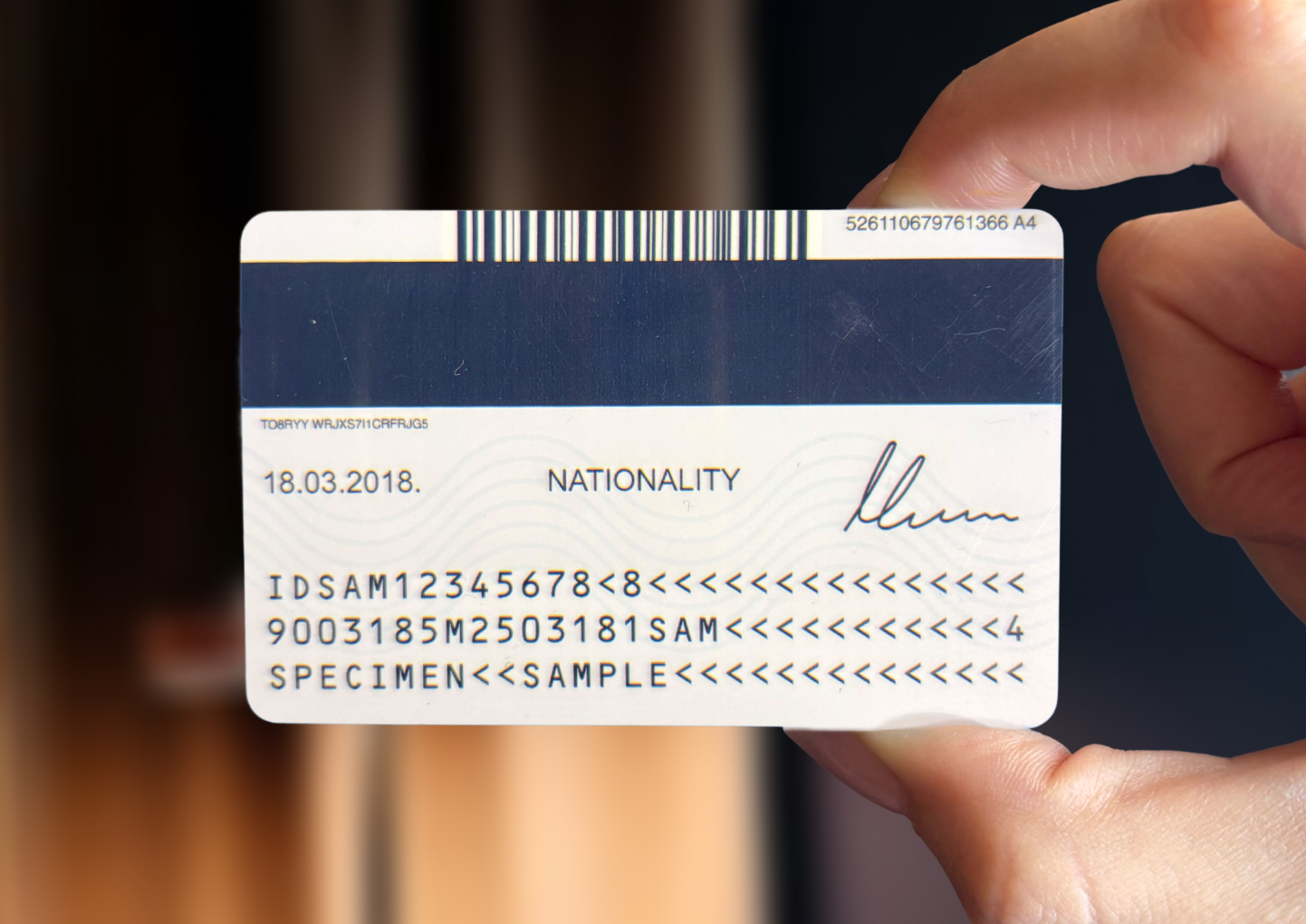
If you have more specific requirements, you can customize your request by using different options or using different use-cases.